


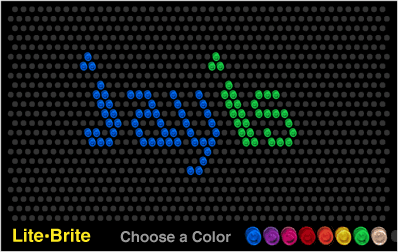
Lite-Brite was a technological wonder when it was first released back in 1967 by the Hasbro toy company. Images were created by poking the colored pegs through the black paper on the screen, which made the pegs appear to illuminate from the light housed in the case. The screen resolution wasn't too good, but hey... it was 1967! And now, thanks to the magic of JavaScript, you can play Lite-Brite on your computer. May the wonders of technology never cease.
Update: Unfortunately, Lite-Brite browser fun can no longer be had due to trademark infringement with the Hasbro corp. Previously tagged as: browser, creativity, flash, free, game, linux, mac, pointandclick, rating-g, remake, simpleidea, webtoy, windows
Visitor art:
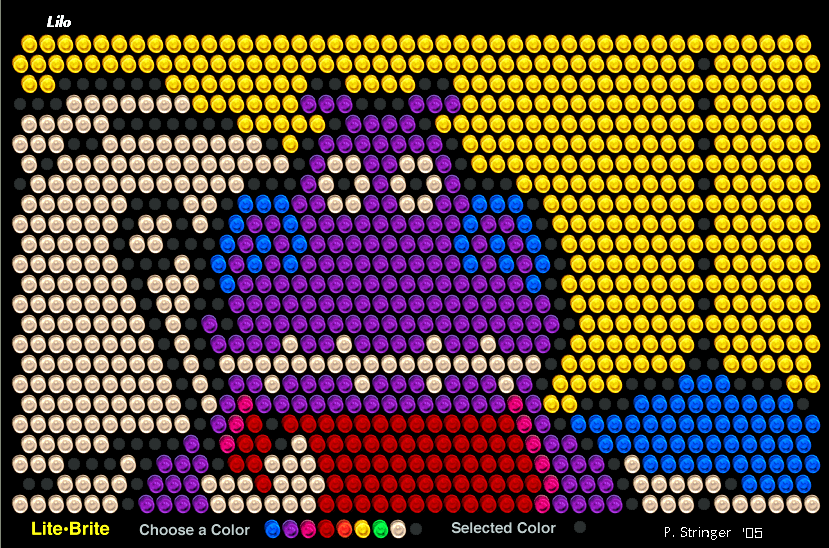 Thanks, Preston!
 Thanks, Matylda!
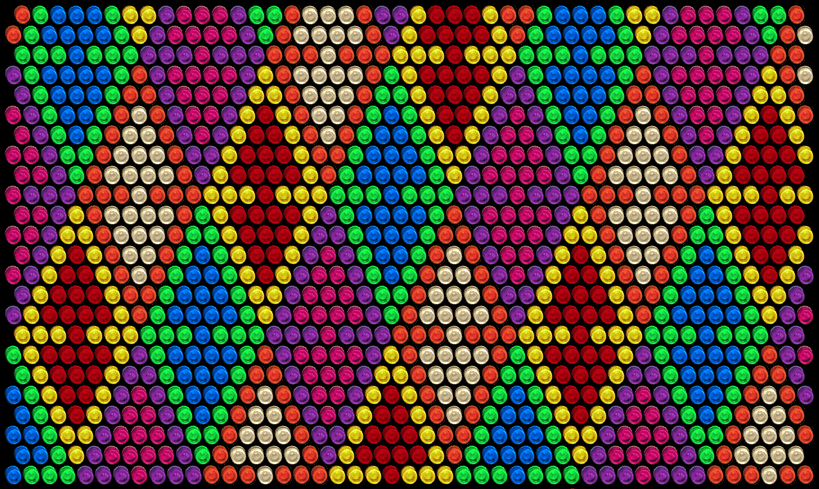 Thanks, Sariko!
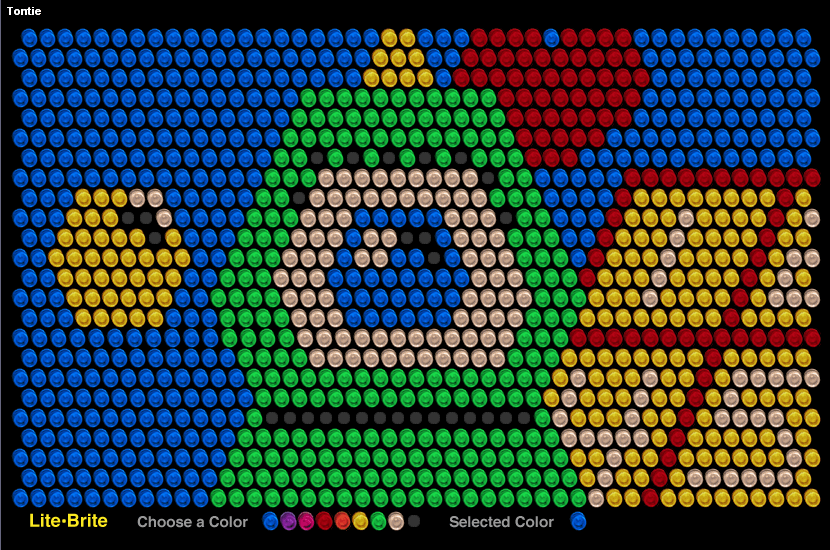 Thanks, Angel!
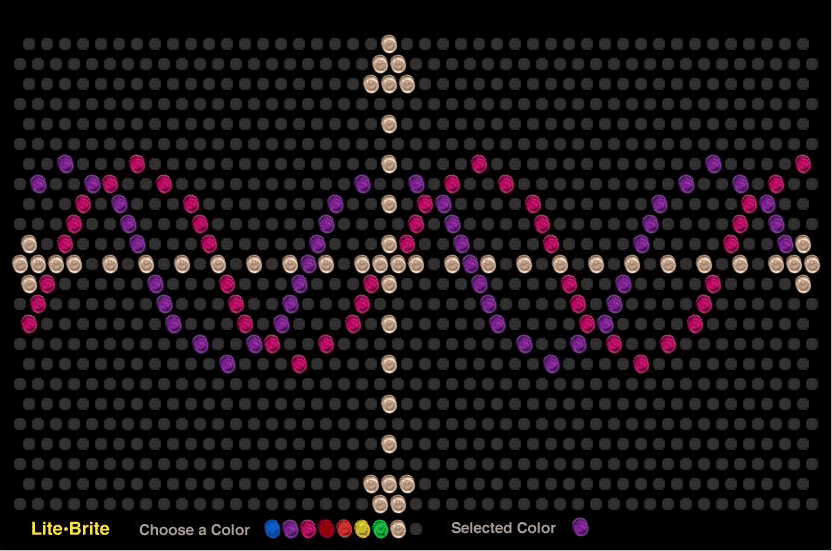 Thanks, Katelyn!
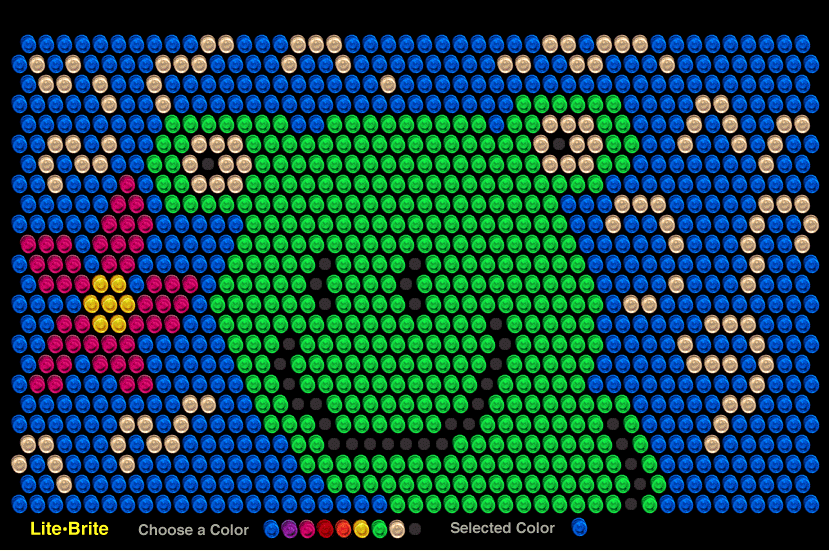 Thanks, Arteme!
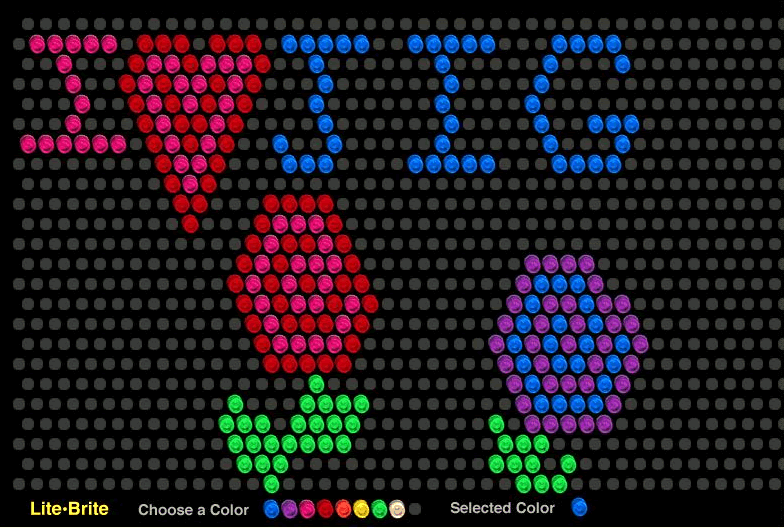 Thanks, Laurie!
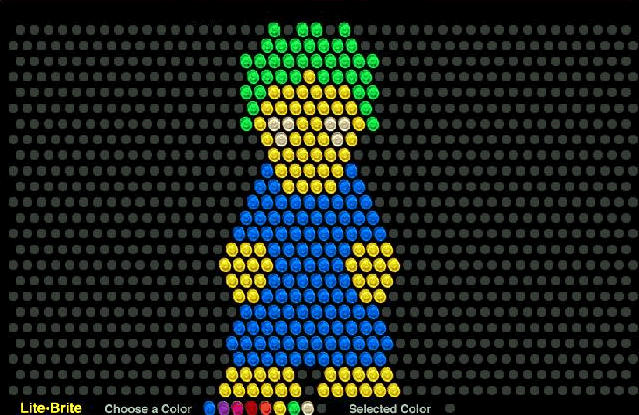 Thanks, Mai!
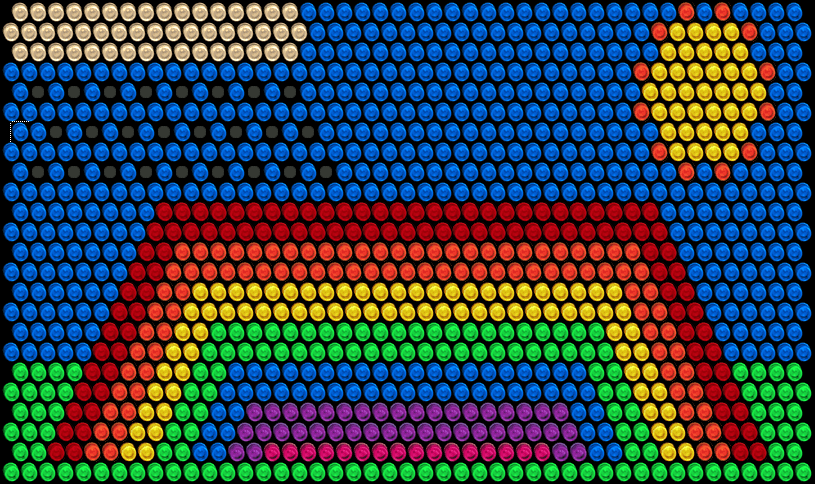 Thanks, Antony!
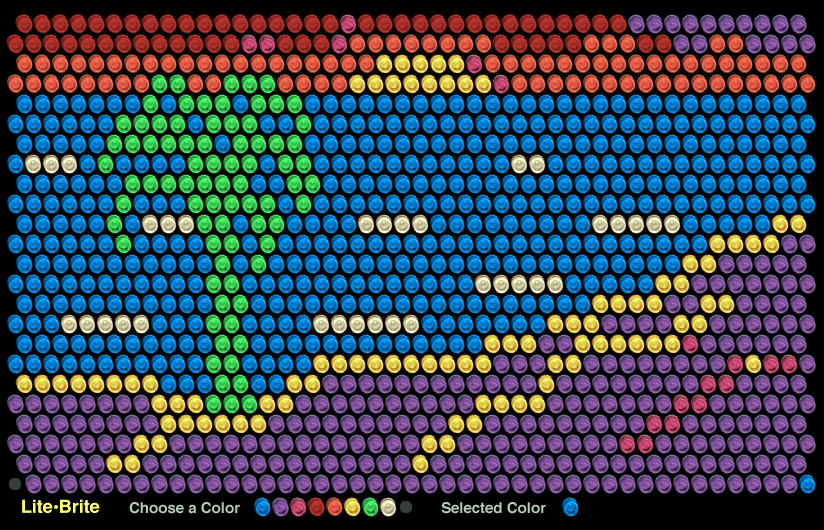 Thanks, Eonion!
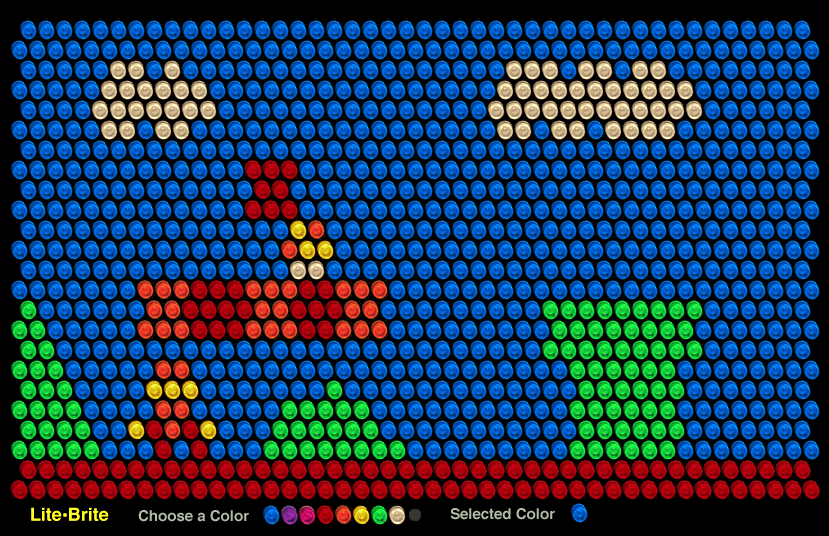 Thanks, Ricardo!
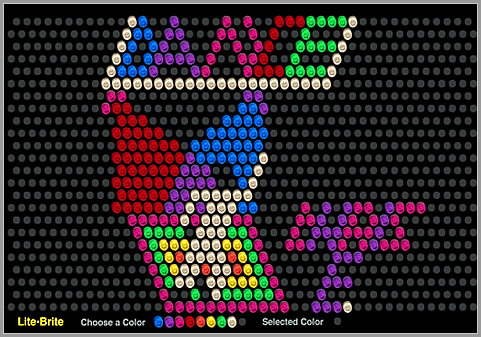 Thanks, ChrisE!



Yeah, you're obviously trying to get me fired.
Send me a screen shot of a Lite-Brite picture you've made so I can post it here for all to see. =)
this game is so awesome. i can stay amused forever.
ummm i got a picture u might want to see...how do i send it to u...i did it on the light brite and io wanna post it...how do i
i have a pic but cant copy or anything to post it how do i go about doing so
If you can email me the pic, I'll post it here. My email address is next to my picture in the sidebar.
I remember playing this game when i was a little kid i love the idea. Who'd thought it would turn out on a computer
awesome....great...dont have to pick up those !@##*^% pegs!!!
This is an awesome game haha, too bad everytime I try to put a color in it locks up for a second, oh well, I still love it
This is an awesome game.
this thing is pretty cool!
ahh whats screen shot?! i worked soooo hard on my lite-brite pic and i cant find screen shot how can u do that of even save into pics of even e-mail them?!
Bri - the procedure is different depending on whether you're on Windows or a Mac.
This page will show you how to do it.
hello, I have something I drew with the lite brite, where can i send it to?
Hi! I have a fun lite brite picture that I worked really hard on and I took a screen shot of it...now where do I send it to get it posted on this site?
hey,i got a screen shot of my image, where can i email it to you?
You can send your pics to my email address in the sidebar, bottom left. I will do my best to get them posted here.
Here's my creation... I'm addicted now!! LOL
I know this is old, so I don't expect you to post it, but I thought I'd show you what happens when you waste my valuable time.
waste my valuable time.
If I did this wrong, http://img151.imageshack.us/img151/3681/litebritexm1.png
-MANAX
I did another, why, I don't know.
There's 2 versions.
regular and apocalypse. -MANAX
So simple, yet so addictive to the creative side of the brain. I only wish that you could drag and the lights would be placed as you drag over. Good job
image
What you do:
Right next to "F12" there's a button that says:
"PRT SCR SYS RQ" or "PRINT SCREEN" or something like that.
All you have to do, is press the button, and you'd see something like:
"your mouse blinks/vanishes for a second."
That means you have take a screenshot.
Next step:
Open up paint.
Press the button "START" r just click on the start menu. Then, go to "ALL PROGRAMS" then go to "ACCESORIES." You'll find paint there.
When you open up paint:
Good for you! Okay, now, this is what you do.
You go to: "EDIT" then "PASTE" or, just "CRTL+V."
Hoped that helped.
I like the pucca one!
yay i maid a wayside picture! it was todd, a brocken heart, a equale, a H, a M (for mareca) the word wayside,
and the 30th floor
i have a picture of an ion gun! im putting it into photo bucket so you can see it! hope it gets approved xD
http://i206.photobucket.com/albums/bb302/Zakizdaman/iongunlitebrite.jpg
I made a Strong Bad face but I didn't save it.
http://i219.photobucket.com/albums/cc190/ZFGQ0/SpaceInvaders.jpg
Tada...
Aaahhhh, lite-brite enthusiasts! You may be interested in this giant lite-brite of Elvis I made:
http://flickr.com/photos/52175830@N00/sets/72157602562420242/
Brilliant!
All the fun of Lite Brite, without burnt-out light bulbs or all those *@&!!! pegs to step on in the middle of the night in your bare feet!
Thorin Nielson:
WOW. How long did that take? I'm impressed.
This game is far too addictive and time consuming for my study periods. I made a pattern with crosses that took 45mins to finish. It was such a relief to finish.
tutorial for screen shots for the mac
there are 5 ways to take a screen shot that i know of.
1. press command-shift-3 to take a picture of the whole screen then you can crop it how you like
2. press command-shift-4 and your mouse cursor turns into a cross hair and then you click and drag the area you want to take a screen shot of
3. command-shift-4 then press space the space bar and it highlights the window
4. find the app called "Grab" in /applications/utilities/ or search it in spotlight then pull down to list that says capture and choose one
5.open preview and then click file then go to Grab on the list then choose one.
that should help.
AndrewBagel: The Giant Elvis Lite-brite took about a year to finish, but if i was working on it non-stop, it would have taken about 2 weeks. There's more info on my Flickr site.
Another interesting lite-brite artist, Steve DeFrank. Check out these videos: http://youtube.com/watch?v=yewpak9yeVE
They removed it for copyright reasons
Update